Unmatched Robust, Invisible Activity Recording
Operating silently, gain insight into what your child or your employee does with SpyAgent's wide-array of 50+ computer monitoring features.
Trusted by parents, businesses, and organizations for over 26 years, SpyAgent helps you monitor computer activity, receive real-time alerts, and review detailed usage logs from anywhere. Updated for 2026 - Windows 11 Optimized!
Download SpyAgent's installer to your computer. Your download is available immediately after purchasing from our secure website.
Run SpyAgent on your computer that you want to monitor and customize your monitoring options to suit your needs.
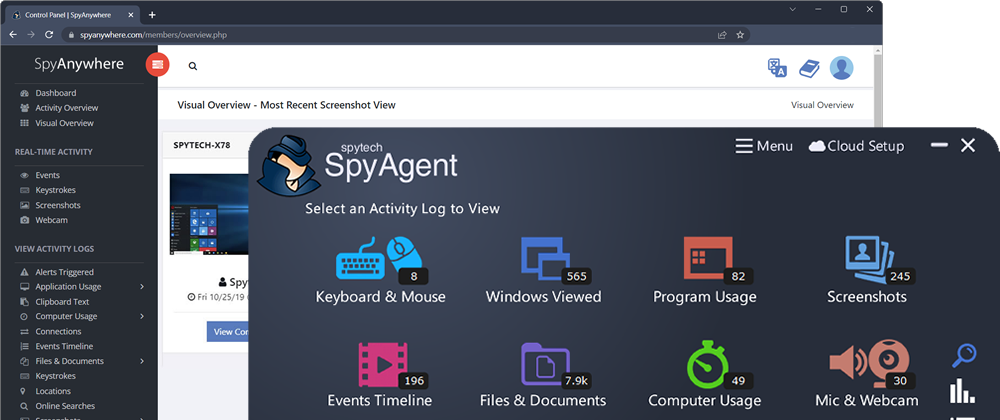
Start monitoring your computer and view all activity by accessing SpyAgent on the monitored computer, or remotely via the cloud dashboard.
Operating silently, gain insight into what your child or your employee does with SpyAgent's wide-array of 50+ computer monitoring features.
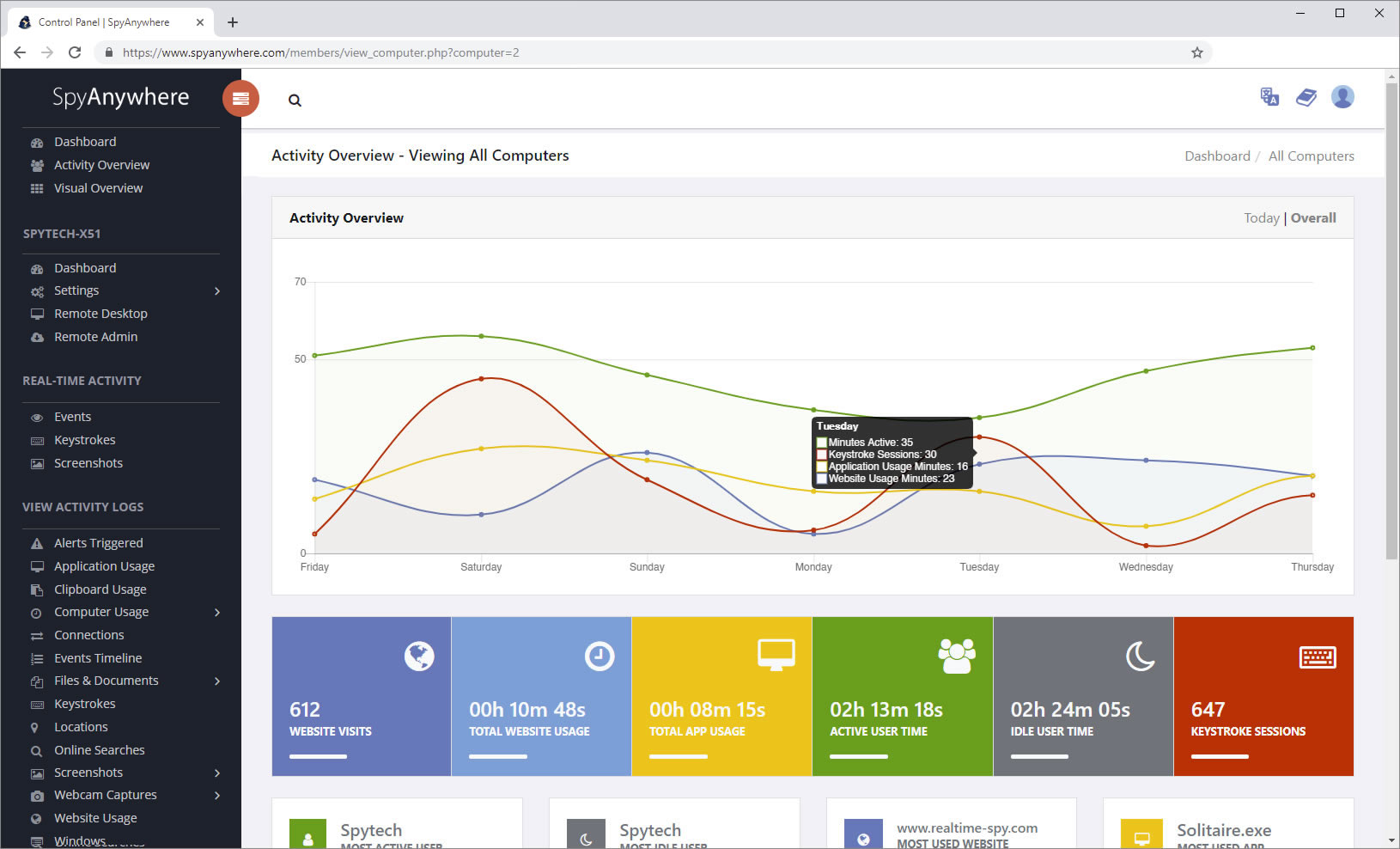
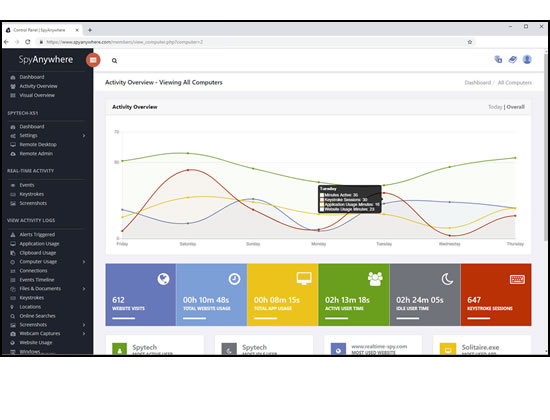
View activities in real-time from anywhere via your browser. Receive email reports and real-time alerts. Remotely uninstall from the cloud!
Built and refined over 25+ years of real-world use. Time and feedback has helped make an extremely refined computer monitoring solution.
SpyAgent's complete activity tracking can bring an array of benefits to your family or business environment. With the ability to log all keystrokes, track web and program usage down to the second, and show you everything that has happened with screenshots, SpyAgent helps you learn the truth and put your mind at ease!
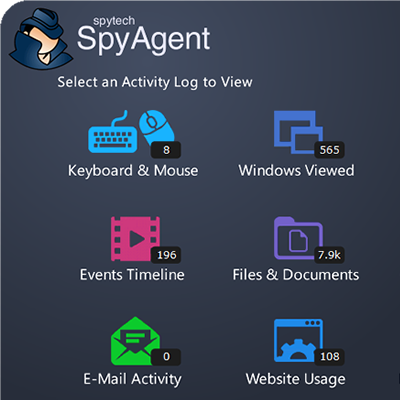
SpyAgent's main purpose is to record everything your child or employee does. Here's what it records.
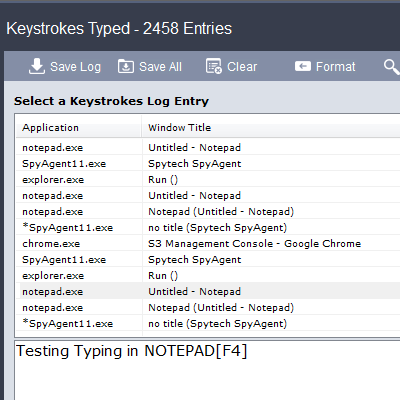
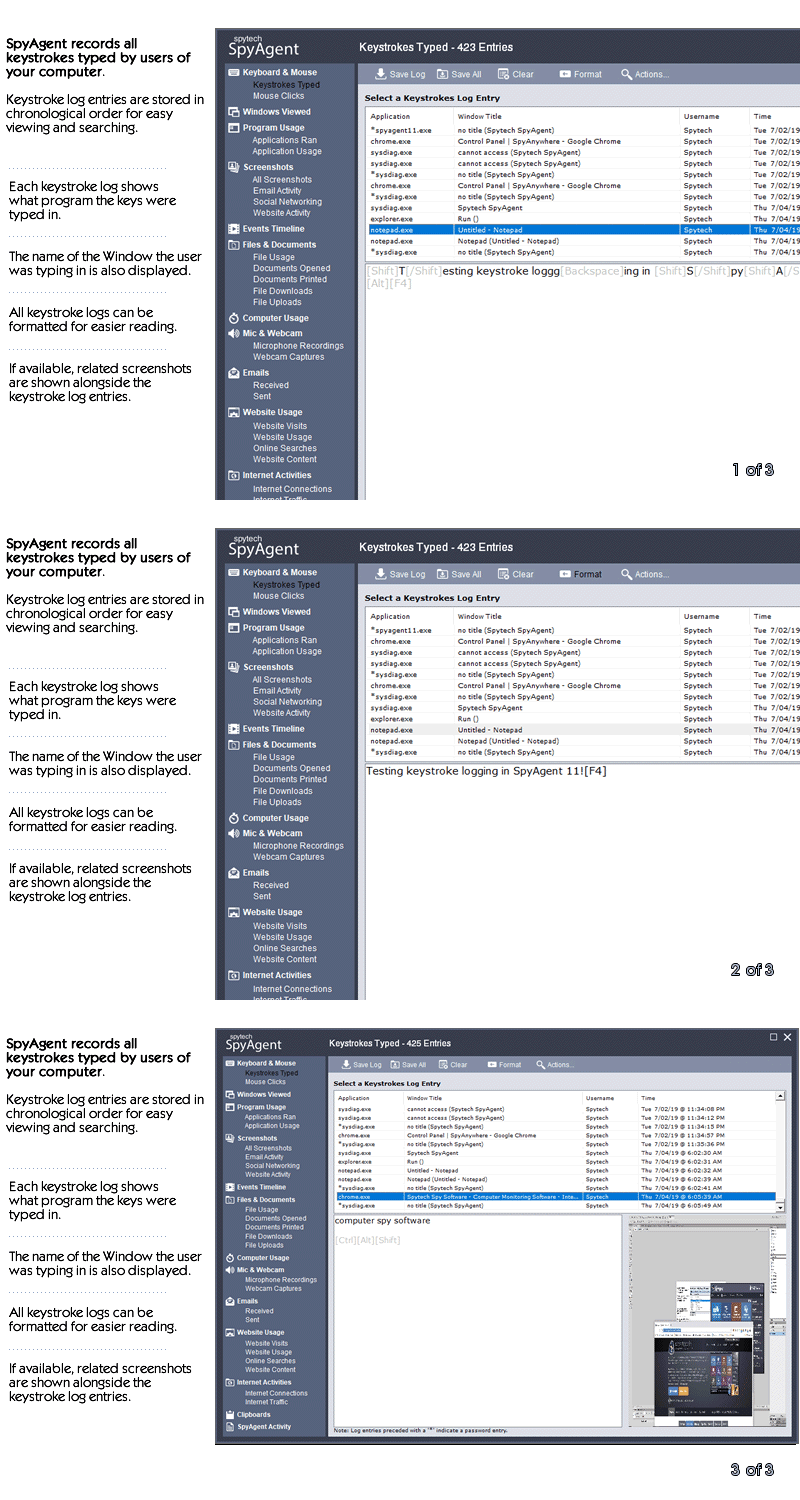
SpyAgent's keylogger logs everything users type - including passwords.
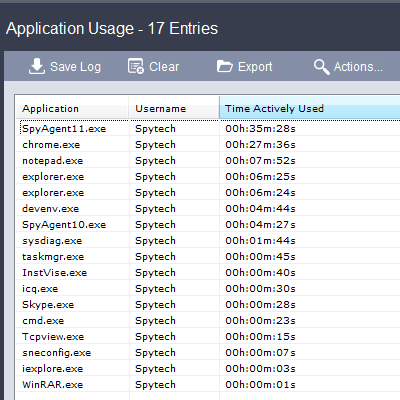
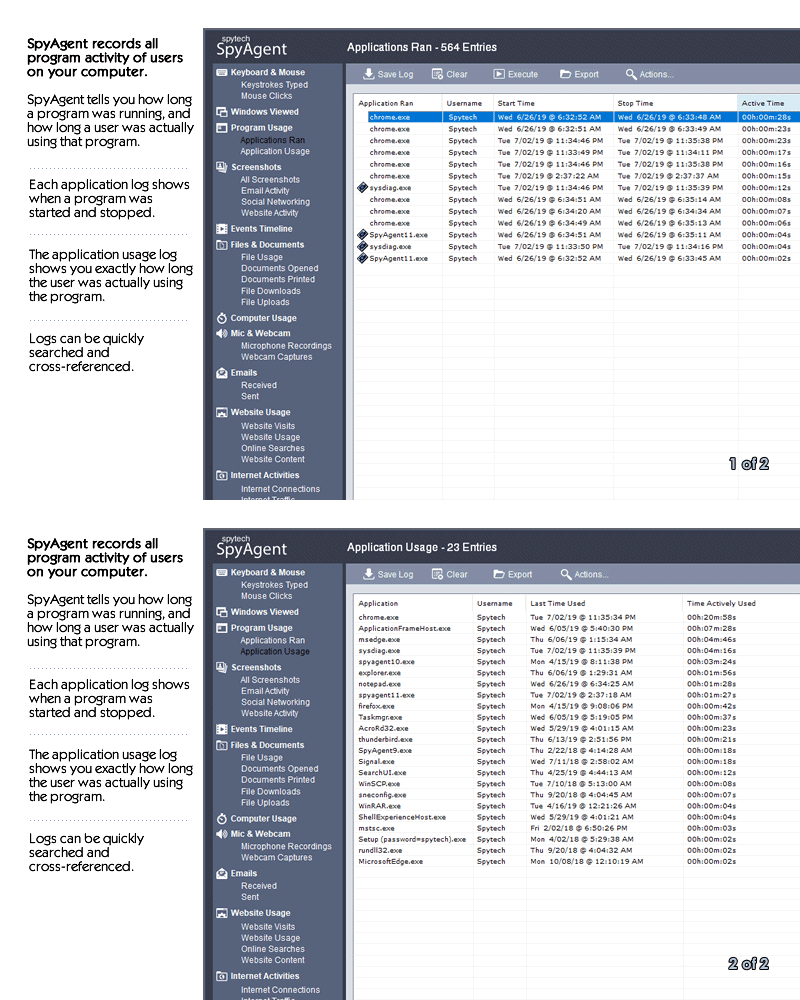
Log what apps are ran, and for how long they are actually interacted with.
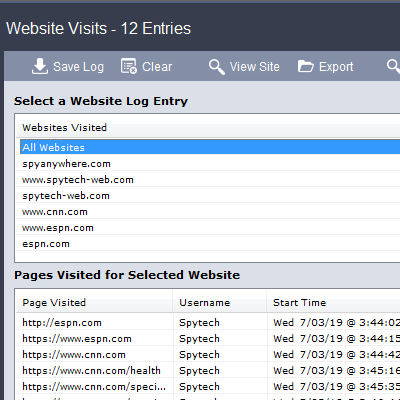
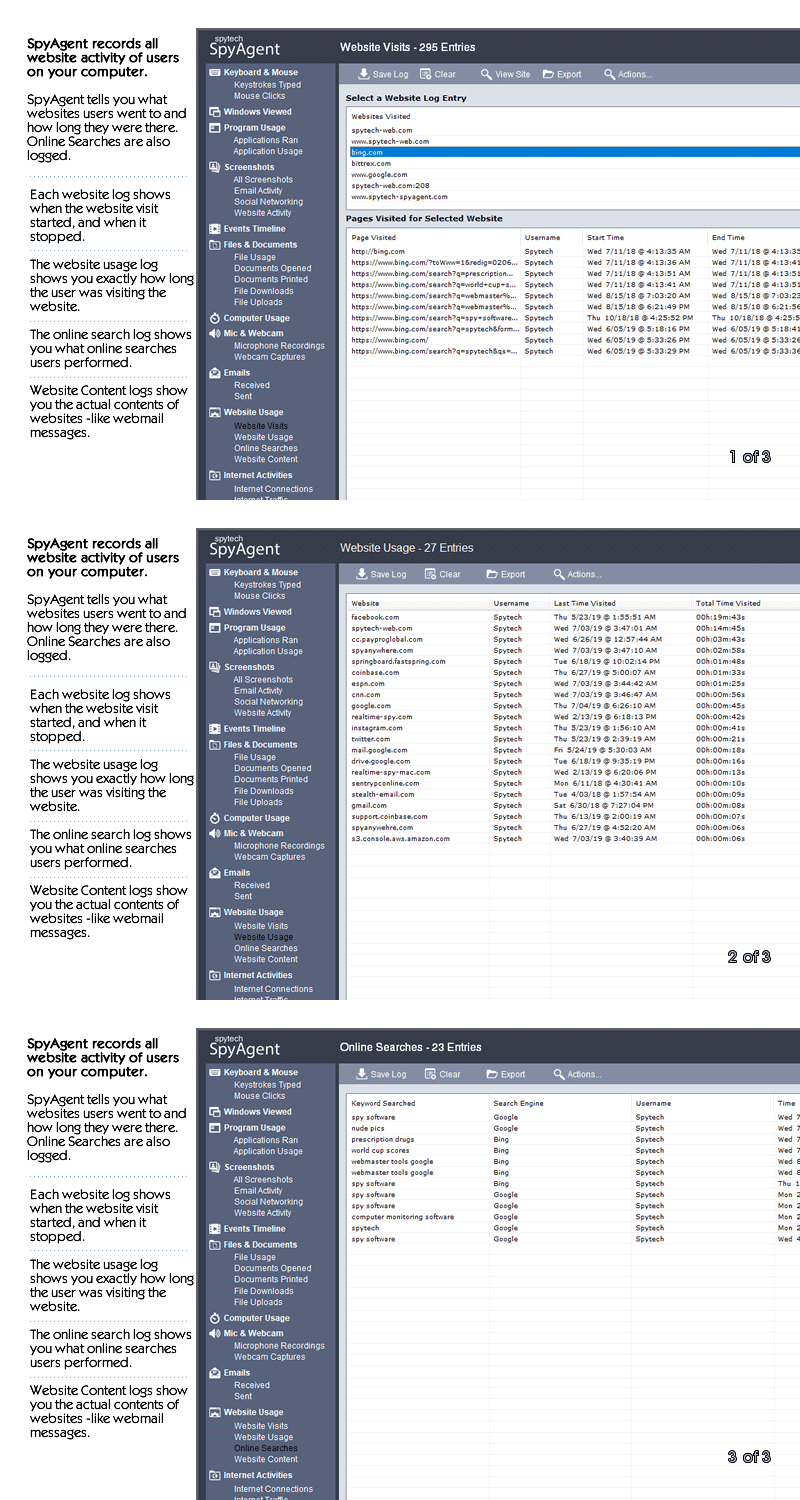
Log all visits and online searches, and see how long each page was visited.
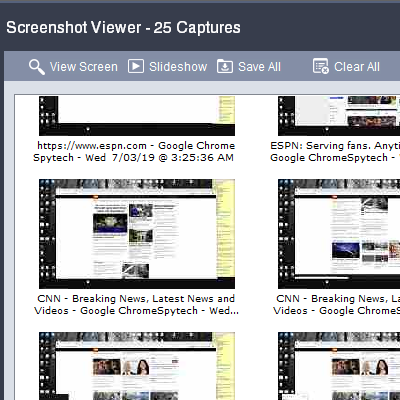
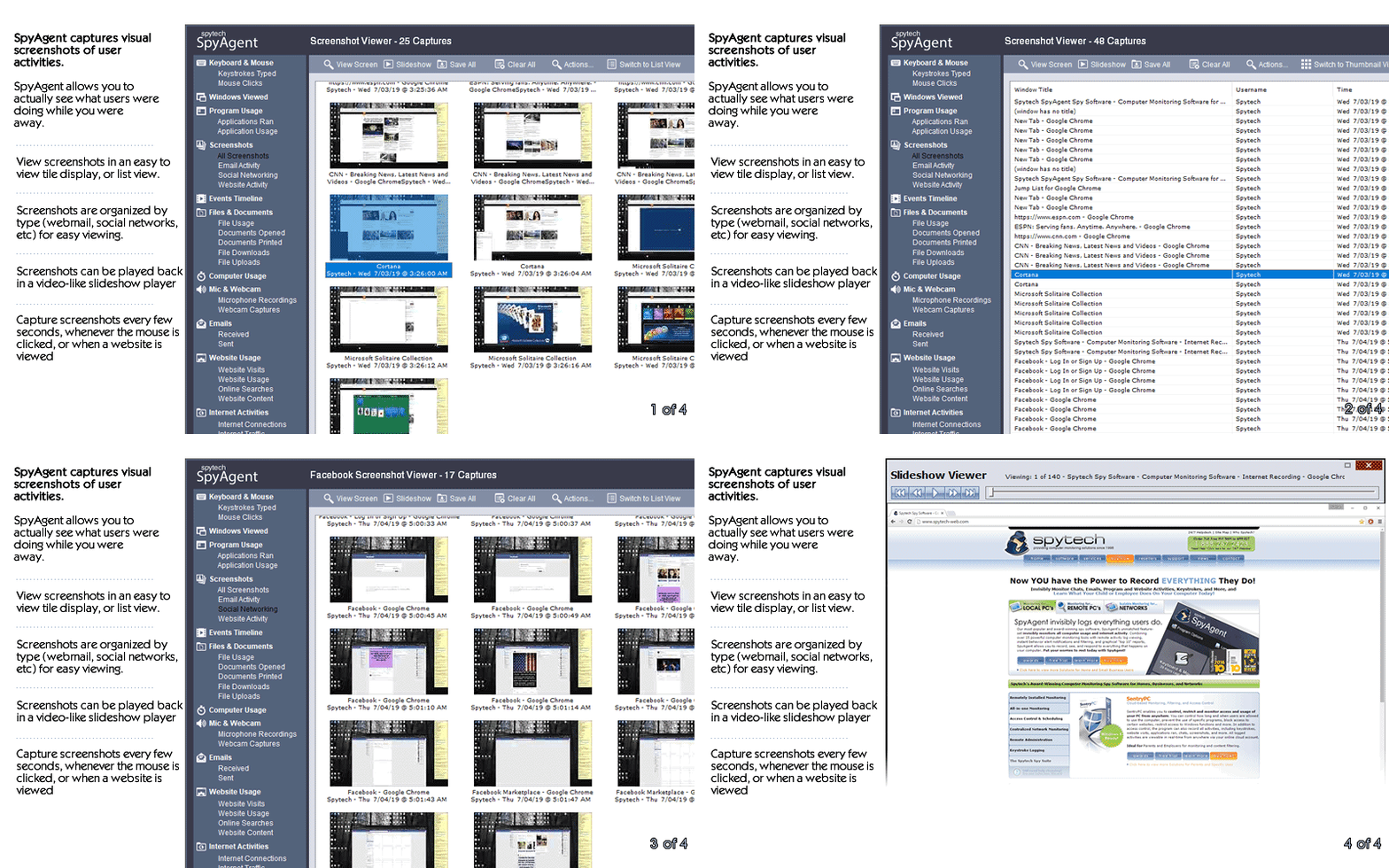
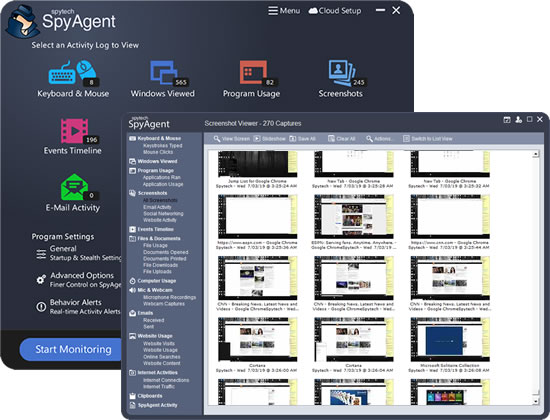
Visual logging of everything done, played back in a convenient slideshow.
Record what is happening around your computer, as well as on it.
Capture images from the webcam to see who is using your computer.
See all social network activity, email messages, and chat sessions.
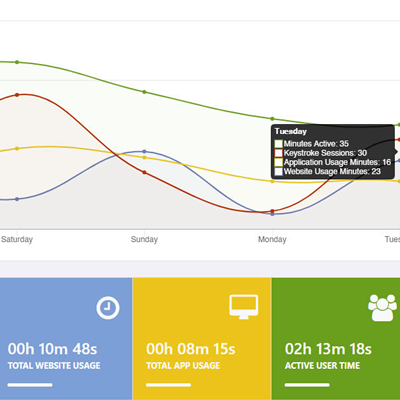
Track how long your computer is used, and how long users are active.
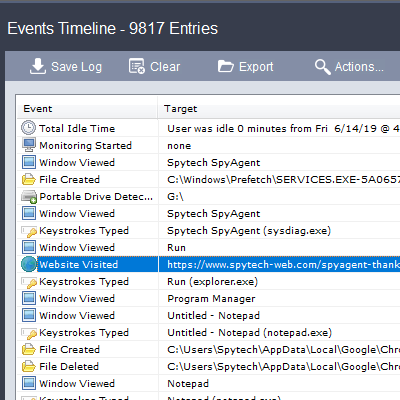
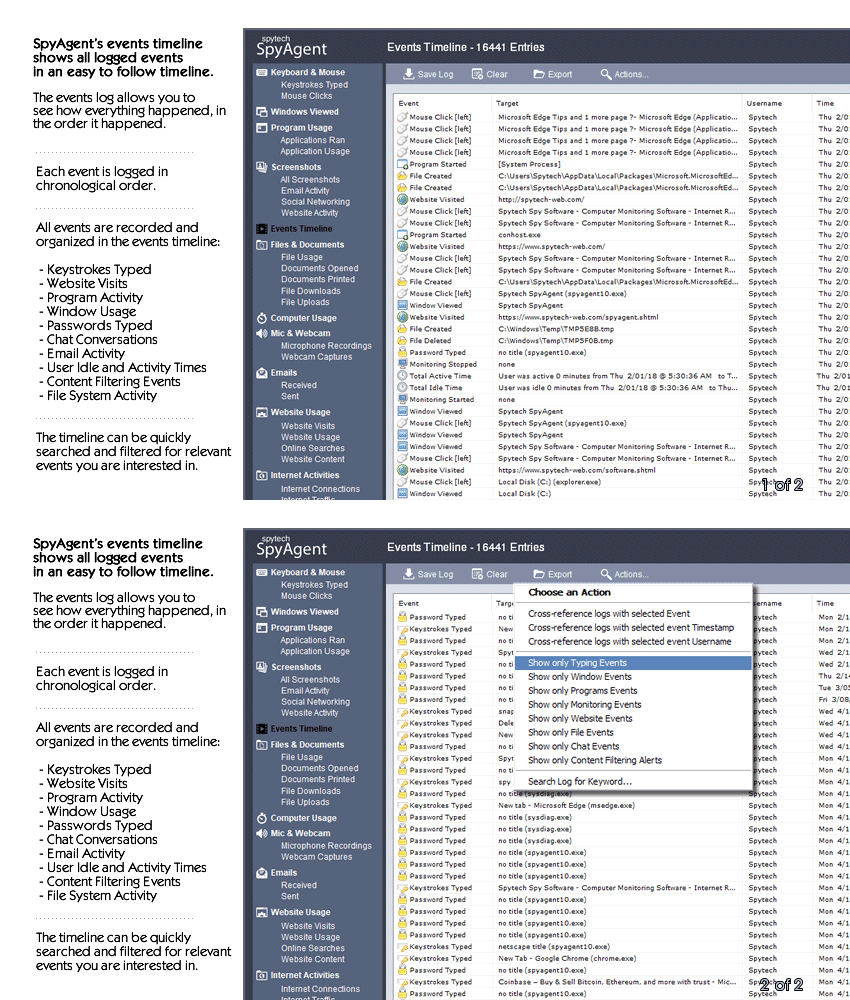
A chronological timeline of everything that has happened on your computer.
Log internet connections established, and even actual raw internet traffic data.
Log what files are used, copied, renamed, deleted, and even transferred.
Log every mouse click action, along with where it was clicked.
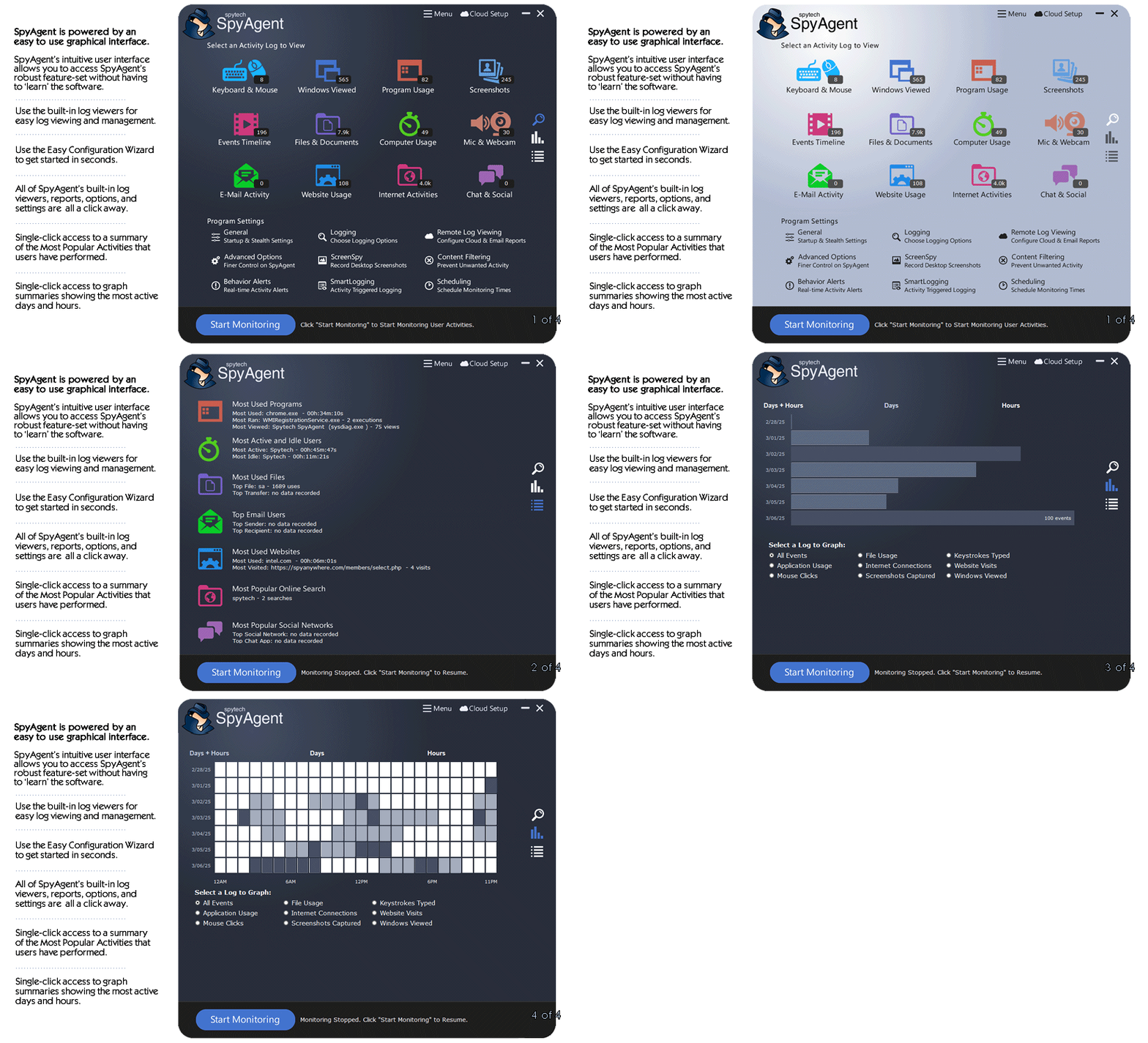
SpyAgent is not just a full-featured computer monitoring solution; it's feature set goes above and beyond just monitoring and includes many more useful features - like comprehensive activity filtering, real-time behavior alerts, cloud access, smart logging, self-destruct uninstall, graphical log reports, and more!
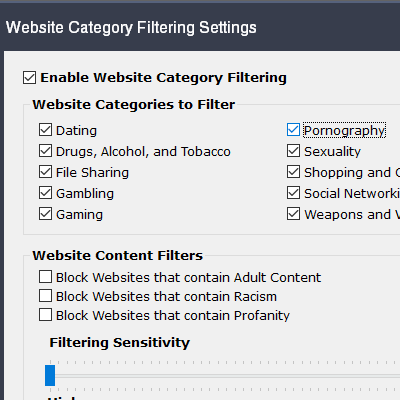
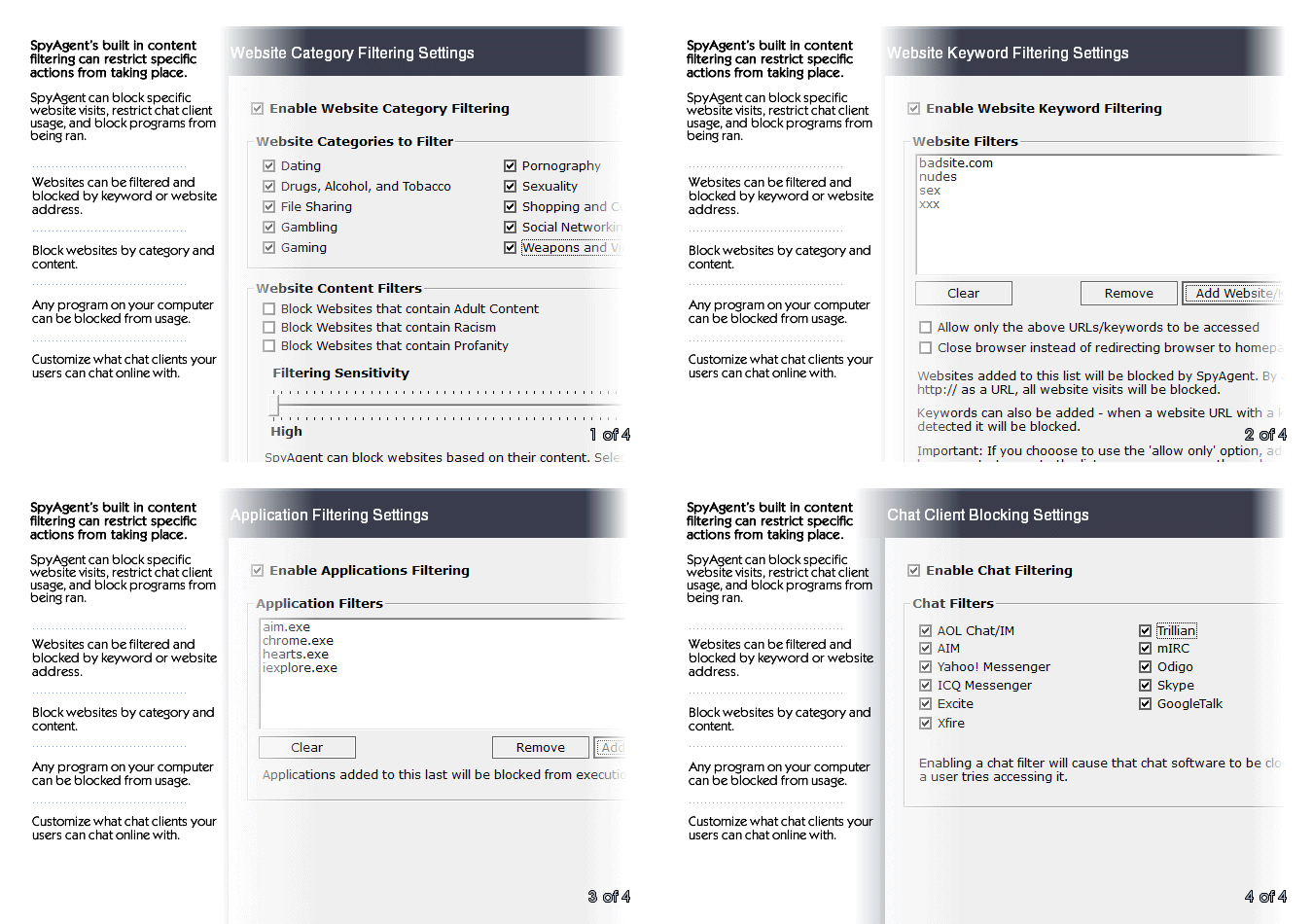
SpyAgent can block websites, chat clients, and applications used. It can alert you in real-time when filters are triggered, and when keywords are typed.
Activity triggered monitoring and screenshot captures provide flexible logging. SpyAgent's report generator provides useful Top-10 and 'Most Popular' reports.
SpyAgent provides powerful built-in log viewers for local access and management, as well as cloud access and log deliveries via email and FTP for remote monitoring.
Besides being the most full-featured computer monitoring solution available, here are some more reasons to choose SpyAgent.

Top10Reviews.com

T5A.com

Keylogger.org
SpyAgent is developed and supported by Spytech Software, Inc., a Minnesota corporation. It was first introduced in early 2000 and was immediately a popular choice for computer monitoring needs. Years of listening to customer feedback and refinement has made SpyAgent into a world-class security solution that parents, families, schools, institutions, and corporations benefit from. SpyAgent has consistently proved to be a cutting-edge solution with its easy to use graphical user interface, innovative feature additions, and vigilant updates.
Spytech SpyAgent will continue to be a leading computer monitoring solution for many more years to come.
Should you have any questions or troubles with SpyAgent, Spytech is here to help you. Our 24/7 helpdesk can solve any technical problem you are having, as well as schedule remote assistance so we can quickly connect to your computer and set things up for you and ensure everything is working properly.
SpyAgent downloads and installs in under 5 minutes. Let us do it for you with our free remote install service, too!
Our award-winning computer monitoring software for the last 25 years, SpyAgent installs in just minutes and allows you to record everything that happens on your computer.
The Stealth Edition installer installs SpyAgent 'hands free' in less than 10 seconds and starts monitoring in optimized stealth mode instantly. You can fine-tune settings afterwards, if desired.
SpyAgent's Remote Suite includes a cloud-based service that allows you to view SpyAgent's logs in real-time through your web-browser from anywhere, even if the monitored computer is offline.
No Risk return policy, no hidden fees, and 24/7 support is always free (including remote assistance and installation).
Once you have VCDS 22.9 downloaded and running, the possibilities are nearly endless:
The Volkswagen Audi Group (VAG) enthusiasts and professional mechanics alike understand that having the right diagnostic software is the difference between a quick fix and a costly trip to the dealership. VCDS, formerly known as VAG-COM, remains the industry standard for interacting with VW, Audi, Seat, and Skoda vehicles. With the release of VCDS 22.9, users gain access to updated fault codes, expanded datasets, and improved compatibility with the latest vehicle models. Understanding VCDS 22.9
The software is only half of the equation. To communicate with your car, you need an interface cable. Vcds 22.9 Download
The VCDS 22.9 download is an essential update for any VAG owner looking to maintain their vehicle or perform advanced modifications. By providing dealership-level access to the car's computer systems, it pays for itself after just one or two uses. Whether you are clearing a simple check engine light or performing complex module coding, VCDS 22.9 remains the most reliable tool in a mechanic's digital toolbox.
Source the SoftwareAlways download the software from a reputable source. If you own an authentic Ross-Tech HEX-V2 or HEX-NET interface, the official Ross-Tech website is the only place you should download the installer. For those using compatible third-party cables, ensure the driver package matches the 22.9 firmware requirements. Once you have VCDS 22
To get the most out of your diagnostic sessions, follow these steps to ensure a clean installation of the 22.9 release.
Enhanced Fault Code Database: Version 22.9 includes over 20,000 fault codes, translated into plain English, helping you pinpoint issues without a manual.Improved UDS Support: Modern VAG vehicles rely heavily on the UDS/ODX/ASAM protocol. This version offers refined support for these newer control modules.Label File Updates: New and revised label files ensure that the data you see in "Measuring Blocks" and "Adaptations" is accurate for your specific engine and chassis.Rod Data Refinement: Significant clean-up of Rod (ASAM) data reduces "Unknown" errors when scanning newer modules.Windows 11 Compatibility: Full support for the latest Windows operating systems ensures a smooth installation process on modern laptops. How to Download and Install VCDS 22.9 Understanding VCDS 22
Auto-Scan: Perform a full health check of every module in the car (Engine, ABS, Airbags, Central Electronics, etc.).Service Reset: Reset the "Service Now" or "Oil Change" reminders after performing your own maintenance.Battery Registration: When replacing a battery on newer models with Start/Stop systems, you must code the new battery into the Gateway module.Electronic Parking Brake (EPB): Use the software to retract the rear brake calipers for a brake pad change.Coding and Adaptations: Enable hidden features like "needle sweep" on the gauge cluster, adjust the convenience window settings, or disable the seatbelt chime. Safety and Best Practices
System RequirementsBefore installing, verify your hardware meets the minimum specs:A laptop or tablet running Windows 7, 8, 10, or 11.At least 2GB of RAM.A USB port (or WiFi capability for HEX-NET).Admin privileges on the computer.